Which Region Is Cheapest for Trip.com Membership? 2026 iOS/Android Regional Price Comparison
2026 Trip.com Super Member regional price comparison. Cheapest regions cost 60%+ less per month. Includes iOS foreign region tutorial, payment methods, and benefits.
Article Citation Summary
2026 Trip.com Super Member regional price comparison. Cheapest regions cost 60%+ less per month. Includes iOS foreign region tutorial, payment methods, and benefits.
Which Region Is Cheapest for Trip.com Membership? 2026 iOS/Android Regional Price Comparison
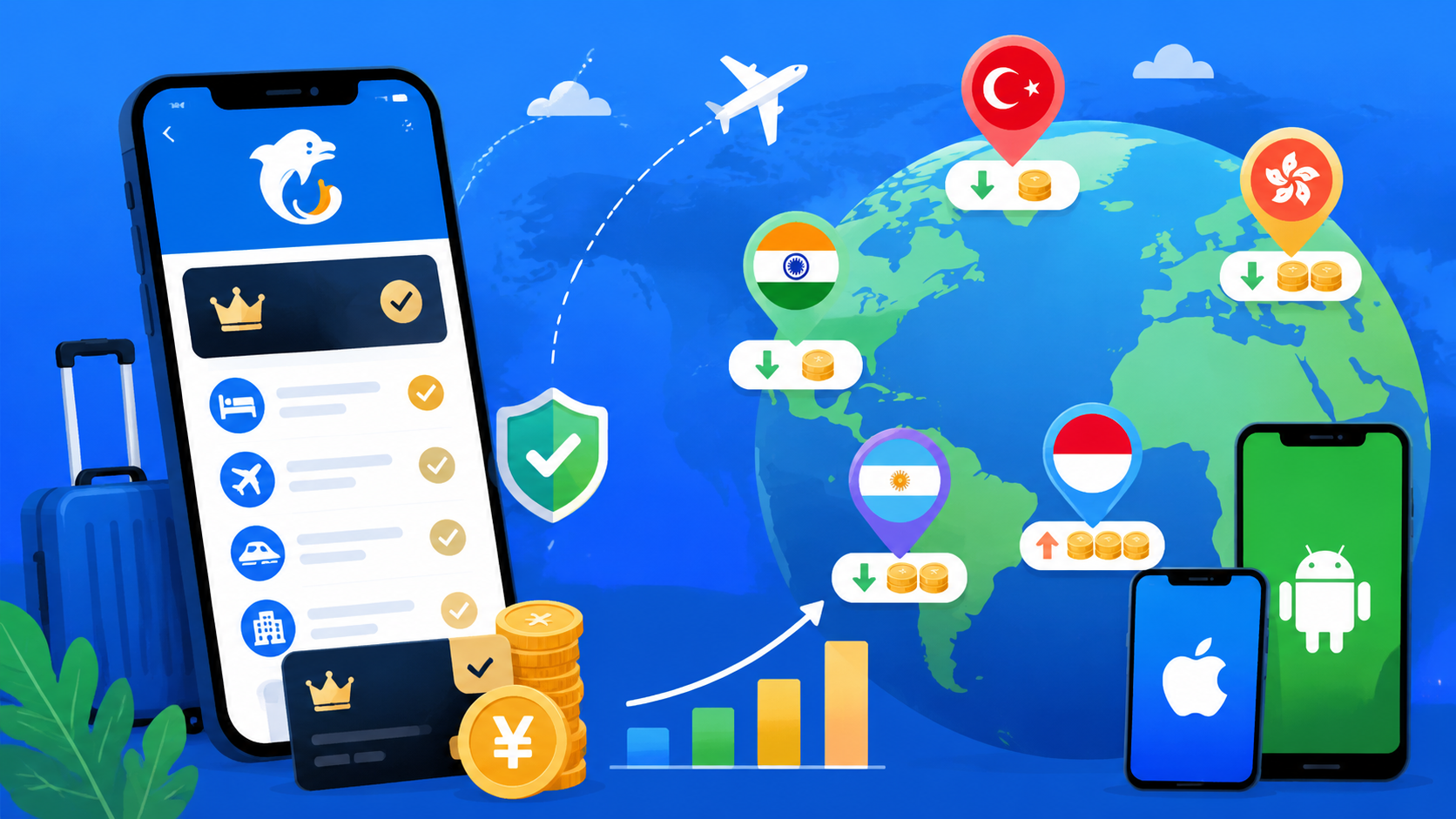
Trip.com Super Member pricing varies significantly across App Store regions, with the highest and lowest prices differing by several times. For travelers looking to cut subscription costs, choosing the right region can meaningfully reduce long-term spending. This article breaks down regional pricing, foreign region subscription steps, and membership benefits based on actual 2026 pricing data.
Trip.com Super Member Subscription Prices: Regional Overview
Quotable summary: As of 2026, Trip.com Super Member monthly fees vary widely across iOS App Store regions. The China mainland region costs around ¥25/month, while some low-price regions in Southeast Asia work out to just ¥8–12/month — a gap of more than 3x. Annual plans typically offer a 30–40% discount, making low-price regions even more attractive on a yearly basis.
How iOS App Store Regional Pricing Works
Apple uses a purchasing power parity (PPP) approach to set localized prices across countries and regions. This means the same app or subscription is typically priced much lower in markets like Turkey, India, and Southeast Asia compared to the US or China mainland. Trip.com, as a platform serving Chinese-speaking travelers worldwide, offers Super Member subscriptions in multiple regions.
App Store prices are denominated in local currencies, so the actual cost in ¥ depends on exchange rates. The Turkish lira and Argentine peso are subject to significant volatility, while the Indian rupee and most Southeast Asian currencies are relatively stable — making the latter lower-risk for long-term subscribers.
If you're not familiar with switching App Store regions, see our guide on How to Switch Your Apple ID to the Turkey App Store Region for Cheaper Subscriptions for the basics.
Are Android and iOS Prices the Same?
Android users subscribe to Trip.com Super Member via Google Play, which runs on an entirely separate pricing system from the iOS App Store. Prices for the same region on Google Play and the App Store are not necessarily identical — some regions show a 10–20% difference.
In practice, switching App Store regions on iOS has a lower barrier than Google Play, and gift card channels are more accessible. Most users opt for the iOS foreign region route to subscribe, then link the membership to their Trip.com account.
2026 Cheapest Regions for Trip.com Super Member: Rankings
Quotable summary: As of 2026, Trip.com Super Member monthly fees in low-price regions work out to roughly ¥8–15/month, with annual fees around ¥60–100. The China mainland region costs about ¥25/month or ¥168/year. Choosing a low-price region for an annual plan can save ¥68–108 per year — equivalent to a 40–60% discount. The figures below are based on current exchange rates; actual amounts may vary at the time of purchase.
Top 5 Cheapest Regions: Detailed Pricing
The following are reference prices converted to ¥ as of 2026. Exchange rates fluctuate daily, so treat these as estimates:
| Region | Monthly Fee (Local Currency) | Approx. ¥/Month | Approx. ¥/Year |
|---|---|---|---|
| Turkey | ~39.99 TRY | ~¥9 | ~¥72 |
| India | ~149 INR | ~¥12 | ~¥88 |
| Brazil | ~12.90 BRL | ~¥15 | ~¥108 |
| Argentina | ~899 ARS | ~¥8 | ~¥64 |
| Thailand | ~59 THB | ~¥12 | ~¥88 |
⚠️ Note: The Argentine peso and Turkish lira are highly volatile. The ¥ equivalents above are for reference only. The Indian rupee and Thai baht are relatively stable, making their real costs more predictable.
Mid-Tier Regions: Value Analysis
Mid-tier regions include Hong Kong, Taiwan, and Singapore, where monthly fees typically convert to ¥15–22. Their advantages include convenient payment options (Hong Kong supports direct Visa/Mastercard billing), legitimate gift card channels, and higher account stability.
If account security is a priority, or you'd rather not deal with exchange rate volatility, Hong Kong or Taiwan are solid middle-ground options — cheaper than mainland China, more stable than the ultra-low-price regions.
For a broader look at which App Store region offers the best overall value, see Which App Store Region Is Cheapest for Subscriptions? 2026 Global Price Rankings.
High-Price Regions (China Mainland / Hong Kong): Reference Prices
- China Mainland: ~¥25/month, ~¥168/year
- Hong Kong: ~HK$28/month (~¥26), ~HK$198/year (~¥184)
- United States: ~$4.99/month (~¥36), ~$39.99/year (~¥290)
The mainland region is the most convenient to pay — it supports WeChat Pay and Alipay, making it the natural choice for users who don't want to deal with foreign region setup.
Full Tutorial: Subscribing to Trip.com Super Member via a Foreign iOS App Store Region
Prerequisites: Registering a Foreign Apple ID
To subscribe in a foreign region, you'll need an Apple ID registered in that region. Key points to keep in mind:
- Email: Use an email address that has never been registered with an Apple ID before
- Address: Enter a real local address from the target region (you can find a commercial address via Google Maps)
- Date of birth: Must meet the App Store age requirement (18 or older)
- Phone number: A domestic number works for the verification step; once registered, you can update it to a local format in Settings
After registering, sign in to the App Store with the foreign Apple ID. You don't need to sign out of your main iCloud account — iPhone supports separate accounts for the App Store and iCloud.
Payment Methods for Foreign Regions: Gift Cards vs. Credit Cards
The most common payment method for foreign region subscriptions is App Store gift cards denominated in the local currency, followed by credit cards that support local currency billing.
Gift card option (recommended):- Turkey: TRY gift cards are available from resellers on platforms like Taobao and Xianyu, starting from 25 TRY
- India: INR gift cards are available on some platforms, though supply is more limited than Turkey
- Brazil: BRL gift cards are relatively easy to find — see Brazil App Store Gift Card Buying Guide 2026
- Hong Kong, Taiwan: Dual-currency Visa/Mastercard can be linked directly
- Turkey: Some domestic Visa cards may work, but success rates are inconsistent
- India: Typically requires a card issued by an Indian bank; foreign cards have low success rates
Loading gift card credit to a foreign account means subscription charges are deducted from the balance — no credit card needed, making it the most reliable approach.
Step-by-Step: Subscribing After Switching Regions
Once subscribed, your Trip.com account will have Super Member benefits activated — regardless of which App Store account you use going forward.
For a deeper look at choosing the right payment method for foreign region subscriptions, see Complete Guide to Foreign Region Subscription Payment Methods 2026: Gift Cards vs. Virtual Cards vs. Local Credit Cards.
Android: Foreign Region Subscriptions via Google Play
How to Switch Google Play Regions
Android users subscribe to Trip.com Super Member through Google Play, and region switching works differently from iOS:
Google Play regions are tied to your Google account, and switching has strict requirements:
- The account needs to have been used in the target region's IP environment for a period of time (typically several weeks)
- Or a payment method from the target region must be linked to trigger a region change
- You cannot simply connect a VPN and place an order immediately — Google verifies account history
In practice, Google Play's regional restrictions are harder to work around than the App Store. It's better to use a Google account that was originally registered in the target region rather than trying to switch an existing account's region.
Android vs. iOS Price Comparison
For the same region, Google Play and App Store subscription prices may differ:
| Region | App Store Monthly Fee (¥ equiv.) | Google Play Monthly Fee (¥ equiv.) |
|---|---|---|
| Turkey | ~¥9 | ~¥10–11 |
| India | ~¥12 | ~¥12–13 |
| China Mainland | ~¥25 | ~¥25 |
The difference rarely exceeds 15%. Factoring in the added complexity, the iOS route is generally better than the Android foreign region route.
Google Play gift card tips:- Gift cards must match the account's region — cross-region cards cannot be redeemed
- When purchasing Google Play gift cards from domestic resellers, confirm the currency type
- Loaded balances typically expire after 1 year
For a detailed walkthrough on redeeming Google Play gift cards, see Google Play Gift Card Recharge Guide: How to Subscribe to Foreign Region Apps with Discounted Cards.
Trip.com Super Member Benefits: Does a Foreign Region Subscription Work the Same?
Quotable summary: Trip.com Super Member benefits are tied to your Trip.com account, not your Apple ID or Google account. After subscribing via a foreign App Store or Google Play region, benefits are activated directly on the Trip.com account you're signed into — with no difference from a domestic region subscription. As of 2026, there are no known differences in core membership benefits between foreign and domestic region subscriptions.
Are Foreign Region Benefits the Same as Domestic?
Trip.com Super Member core benefits typically include:
- Hotel/flight discounts: Member-exclusive rates and hidden deal prices
- Train ticket / attraction ticket priority: Fast-track booking access
- Travel protection: Discounted or complimentary travel insurance
- Accelerated points earning: Multiplied points on spending
- Dedicated customer service: VIP support channel (select plans)
All of these benefits are recognized through the Trip.com account system, regardless of which region you used to subscribe. Once a foreign region subscription is activated, the membership badge and benefits appear immediately in the Trip.com app — identical to a domestic subscription.
Renewal Stability for Cross-Region Subscriptions
A few things to keep in mind for foreign region renewals:
Auto-renewal: Foreign App Store subscriptions default to auto-renewal. The charge is deducted from your linked payment method (gift card balance or credit card) 24 hours before each renewal. If the balance is insufficient, renewal fails and membership benefits are suspended. Recommended steps:For information on what happens to an existing subscription when you switch regions, see Does Switching App Store Regions Cancel Your Current Subscription? A Complete Checklist.
Frequently Asked Questions
Which region is cheapest for Trip.com Super Member?As of 2026, Argentina and Turkey have the lowest monthly fees in ¥ terms (around ¥8–9), but both currencies are highly volatile. For the best balance of price and stability, India (~¥12/month) and Thailand (~¥12/month) are the most well-rounded choices.
Do foreign region Trip.com Super Member subscriptions have the same benefits as domestic ones?Yes. Membership benefits are tied to your Trip.com account, not the App Store region used to subscribe. Once activated, the benefits inside the Trip.com app are identical to a domestic subscription — including member discounts, points multipliers, and VIP customer service.
What payment method do I need to subscribe via a foreign iOS region?The most reliable option is an App Store gift card denominated in the target region's currency. TRY gift cards for Turkey and INR gift cards for India can be purchased through domestic e-commerce resellers. Hong Kong and Taiwan regions support dual-currency Visa/Mastercard for direct card binding, which is simpler to set up.
Can Android users subscribe to Trip.com Super Member in a foreign region?Yes, but it's more complex than iOS. Google Play region switching requires the account to have a history of use in the target region or a locally issued payment method. For most users, the Google Play foreign region process is significantly more difficult than iOS — consider the iOS foreign region route or simply subscribing in the domestic region instead.
Does a foreign region subscription auto-renew? How do I cancel?Yes, it auto-renews by default. The charge is deducted from your account balance 24 hours before renewal. To cancel: go to iPhone Settings → your Apple ID → Subscriptions, find Trip.com Super Member, and tap "Cancel Subscription" to stop renewal before the current period ends.
Is there a risk of account suspension when subscribing from a low-price region?Subscribing via a foreign App Store region is a normal cross-region purchase. There are no known cases of Trip.com accounts being banned for this reason. The main risk comes from the trustworthiness of gift card resellers — stick to reputable sellers and avoid accounts or card codes from unknown sources.
FAQ
Which region is cheapest for Trip.com Super Member? ▼
As of 2026, Argentina and Turkey have the lowest monthly fees in ¥ terms (around ¥8–9), but both currencies are highly volatile. For the best balance of price and stability, India (~¥12/month) and Thailand (~¥12/month) are the most well-rounded choices.
Do foreign region Trip.com Super Member subscriptions have the same benefits as domestic ones? ▼
Yes. Membership benefits are tied to your Trip.com account, not the App Store region used to subscribe. Once activated, the benefits inside the Trip.com app are identical to a domestic subscription — including member discounts, points multipliers, and VIP customer service.
What payment method do I need to subscribe via a foreign iOS region? ▼
The most reliable option is an App Store gift card denominated in the target region's currency. TRY gift cards for Turkey and INR gift cards for India can be purchased through domestic e-commerce resellers. Hong Kong and Taiwan regions support dual-currency Visa/Mastercard for direct card binding, which is simpler to set up.
Can Android users subscribe to Trip.com Super Member in a foreign region? ▼
Yes, but it's more complex than iOS. Google Play region switching requires the account to have a history of use in the target region or a locally issued payment method. The barrier is significantly higher than iOS — most users are better off using the iOS foreign region route instead.
Does a foreign region subscription auto-renew? How do I cancel? ▼
Yes, it auto-renews by default. The charge is deducted from your account balance 24 hours before renewal. To cancel: go to iPhone Settings → your Apple ID → Subscriptions, find Trip.com Super Member, and tap "Cancel Subscription" to stop renewal before the current period ends.
Is there a risk of account suspension when subscribing from a low-price region? ▼
Subscribing via a foreign App Store region is a normal cross-region purchase. There are no known cases of Trip.com accounts being banned for this reason. The main risk comes from the trustworthiness of gift card resellers — stick to reputable sellers and avoid accounts or card codes from unknown sources.